Documentation Index
Fetch the complete documentation index at: https://www.airtop.ai/docs/llms.txt
Use this file to discover all available pages before exploring further.
Overview
Zapier is a no-code automation tool that connects your favorite apps into automated workflows. After you deploy your Agent, you can trigger it directly from Zapier and use the results in your Zaps.Run your deployed Agent from Zapier
Open connection settings
Navigate to your Agent’s build page and click Connect, then select Zapier from the dropdown.
Add the Airtop action
In your Zapier recipe (Zap), add the action Run an Airtop agent from the Airtop integration.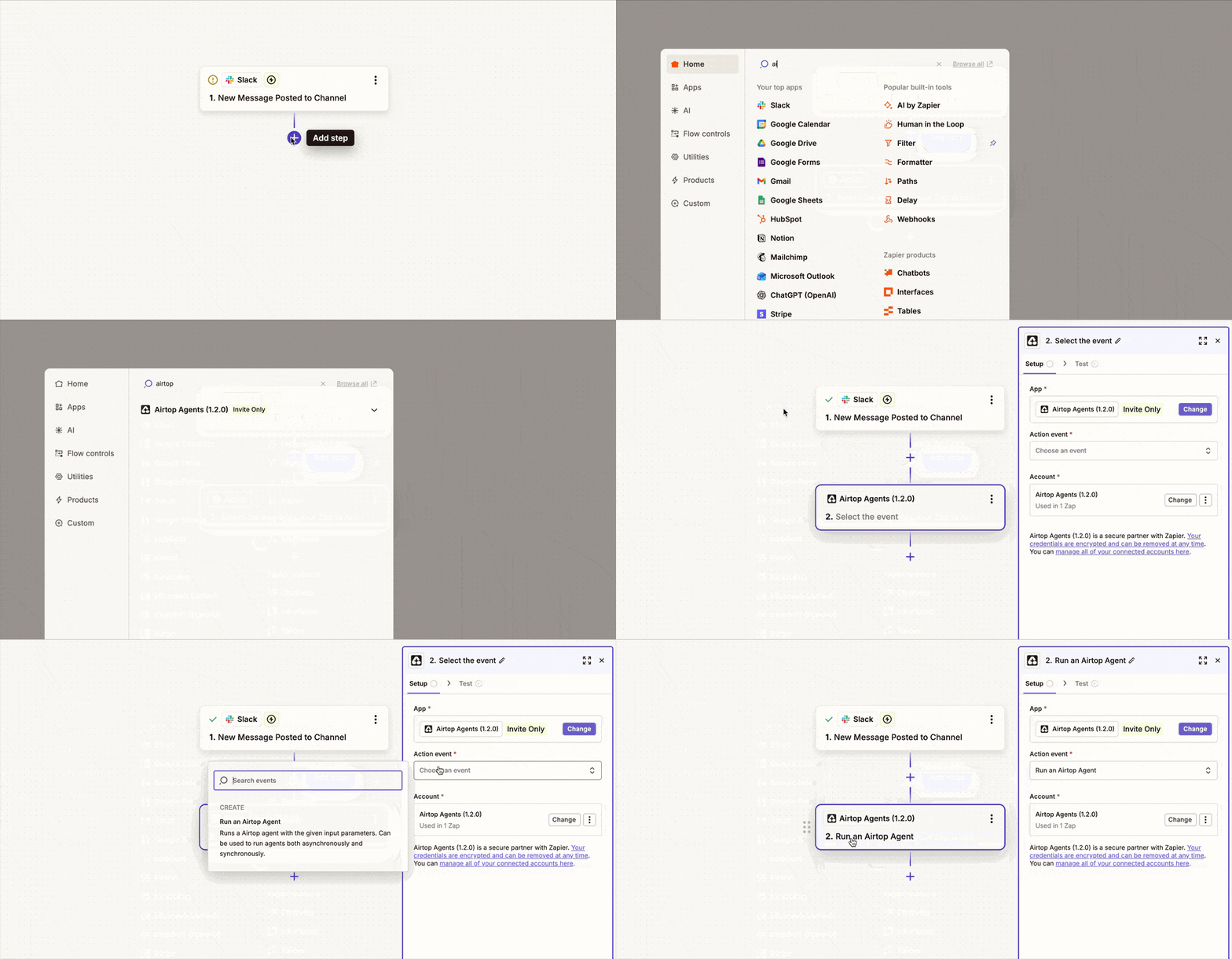
Select your agent
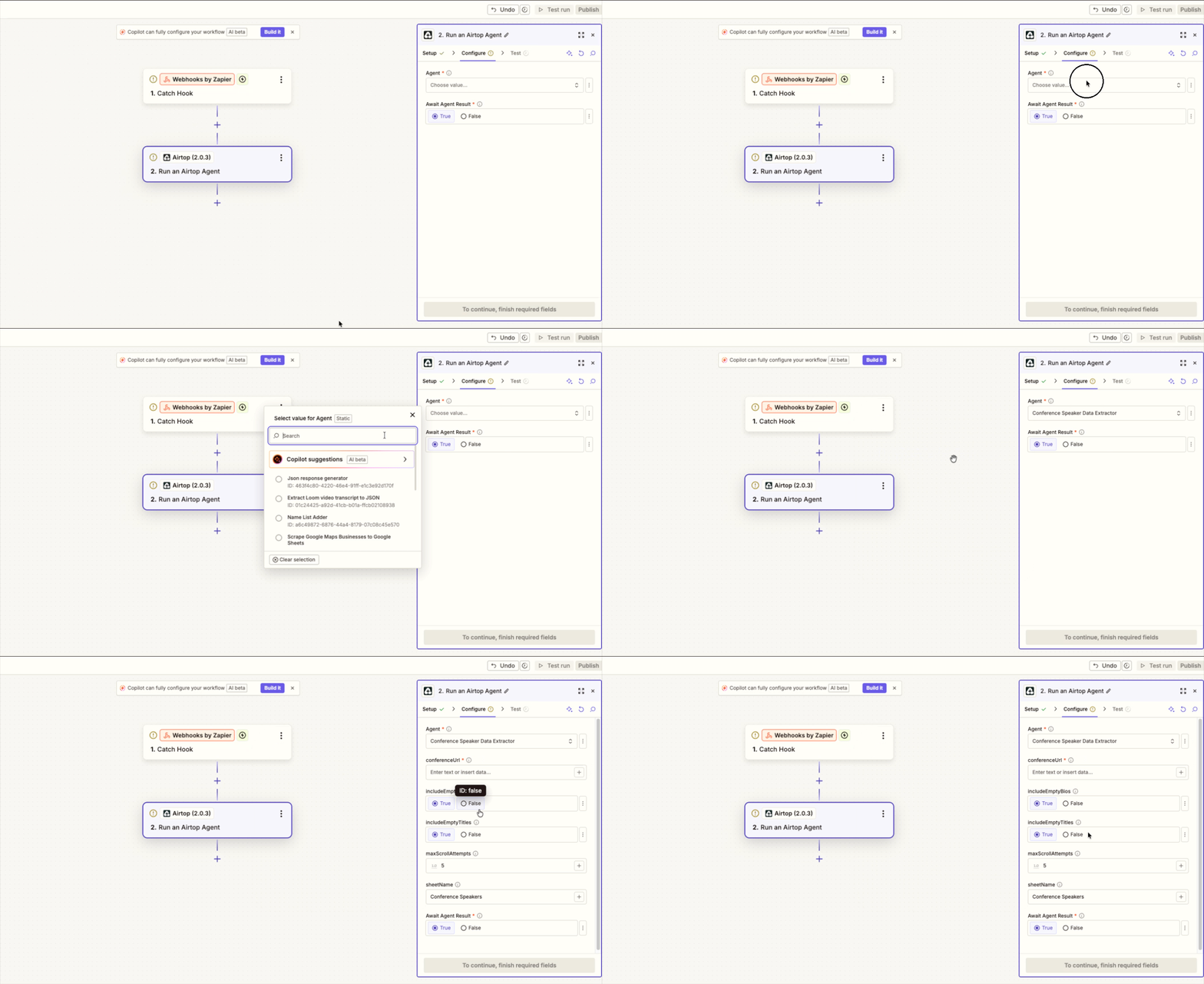
In the Agent dropdown, select the agent you want to use. If you don’t see an agent listed, check the Airtop portal to ensure it is enabled.
Set Agent parameters
After selecting the agent, the necessary paratemers will be loaded and displayed automatically. Configure the values accordingly. Remember to check the field’s tooltips for things like field constraints and formats.